Powerful tools, zero clutter. Built for people who record every day.
One-Tap Recording
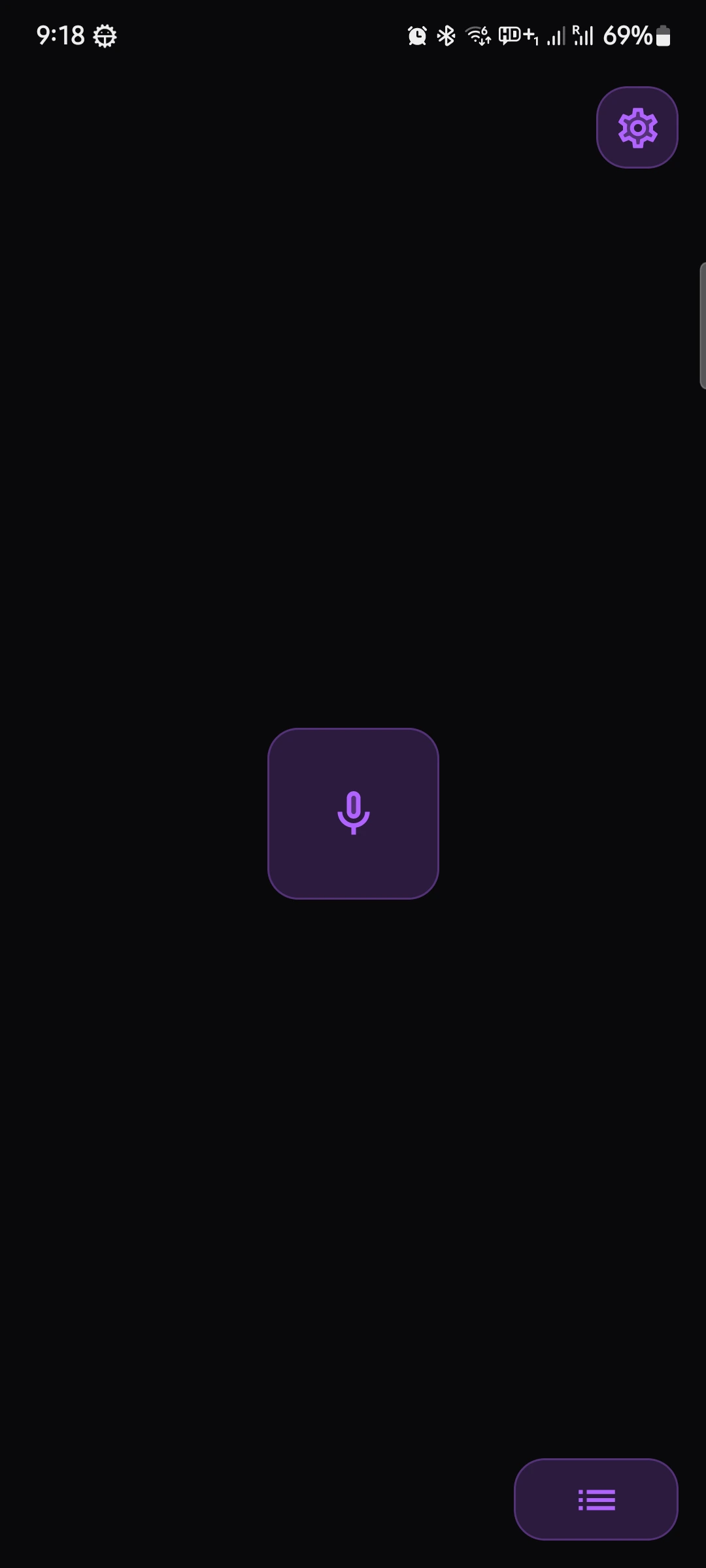
Start recording instantly. No setup, no delay — just tap and go.
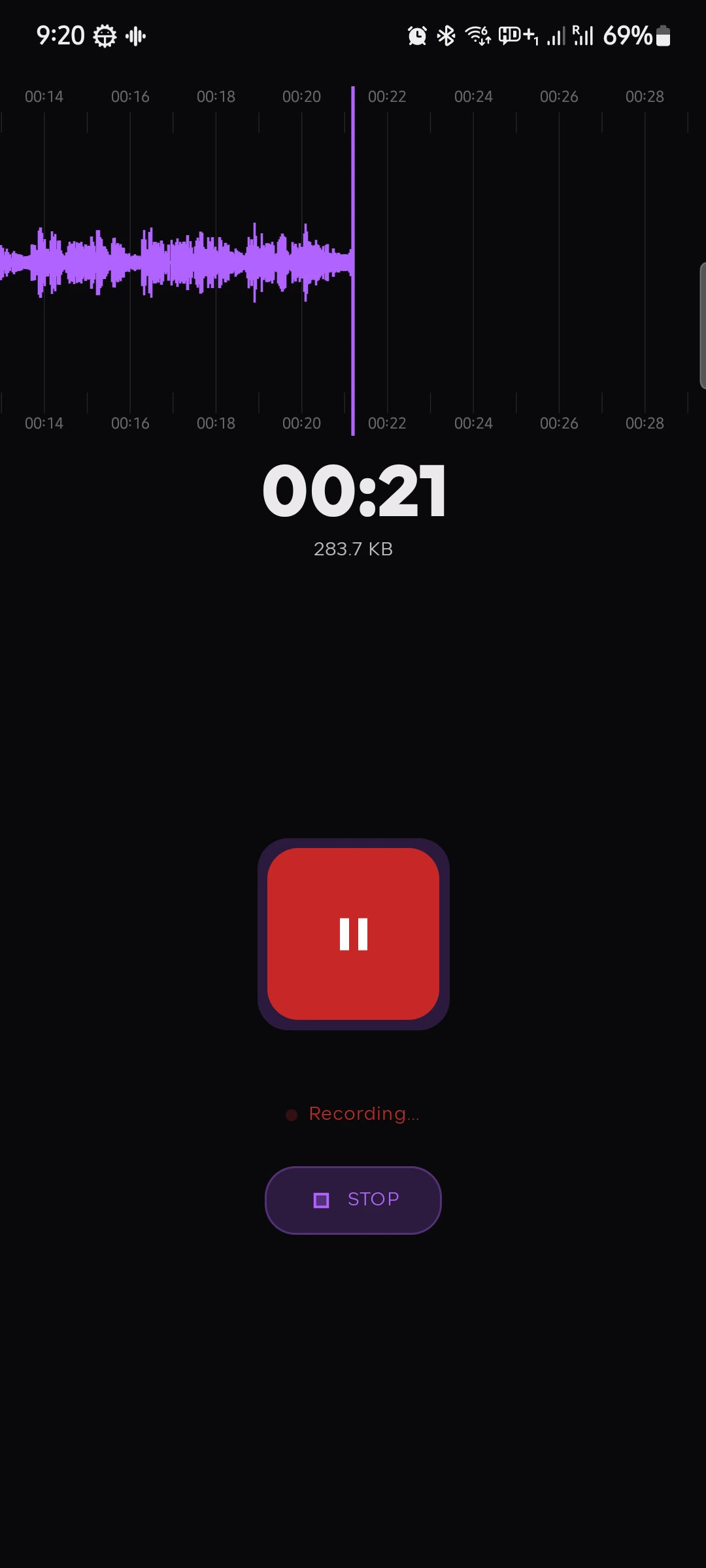
Real-Time Waveform Visualizer
Watch your audio come to life with a live animated waveform as you record or play back.
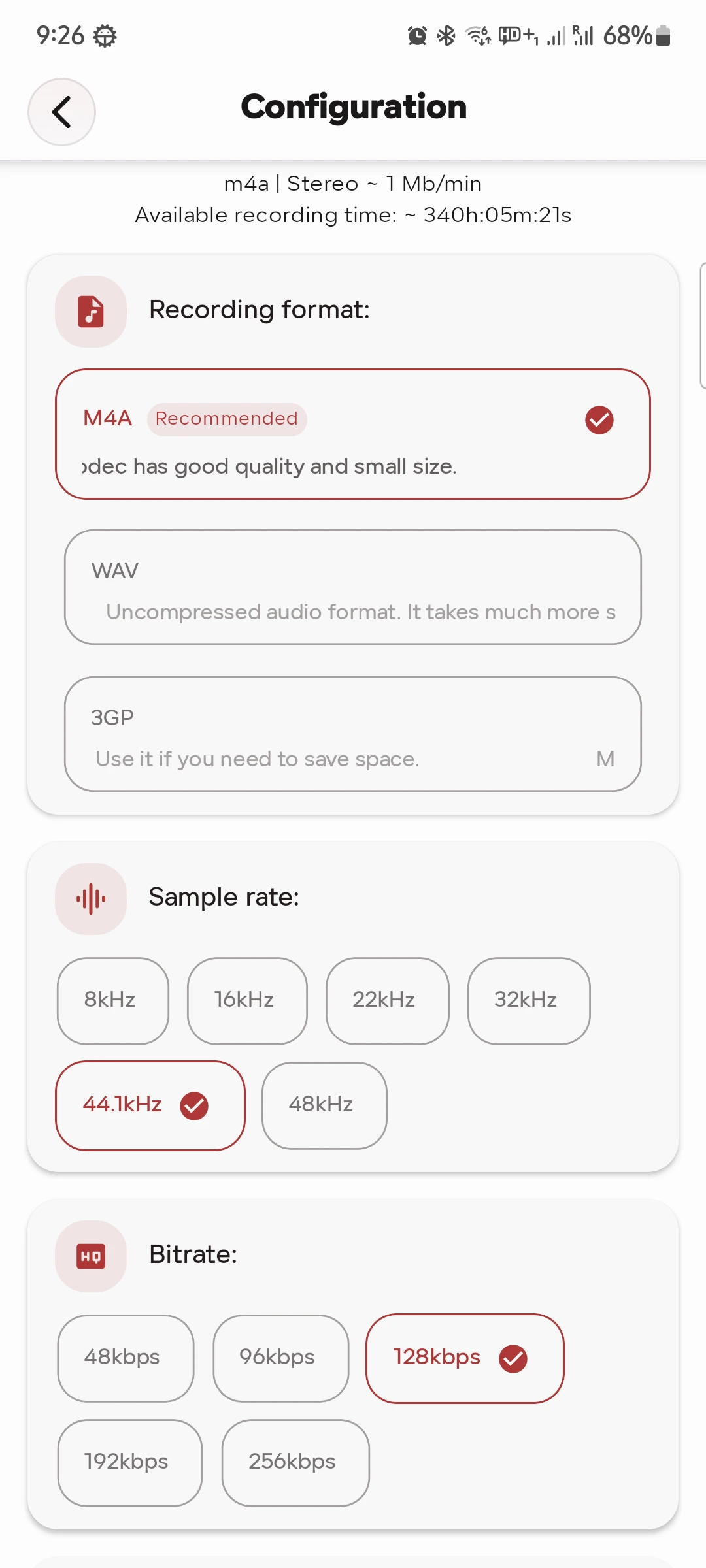
Multiple Audio Formats
M4A, WAV, or 3GP — with full control over bitrate (12–256 kbps), sample rate (8–48 kHz), and Mono/Stereo channel mode.
Background Recording Service
Recording continues in the background with full controls in your notification drawer — pause, resume, or stop without opening the app.
Home Screen Widget
Launch recordings instantly from your home screen with the one-tap recording widget.
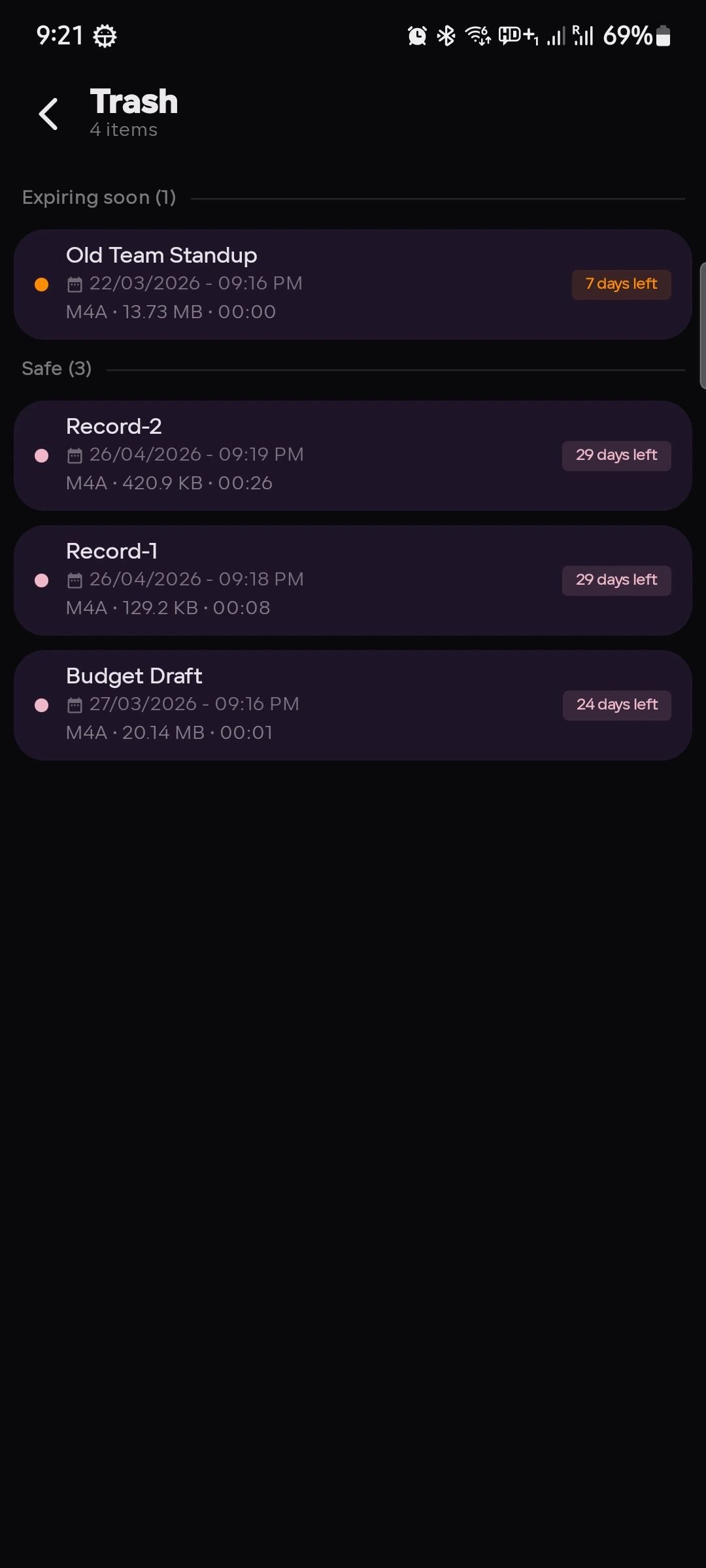
Trash & Recovery
Deleted recordings move to Trash and can be restored for up to 30 days — no accidental permanent loss.
Favorites
Mark your most important recordings as favorites for quick access. Long-press any recording or tap ♥ in the player.
Powerful Playback
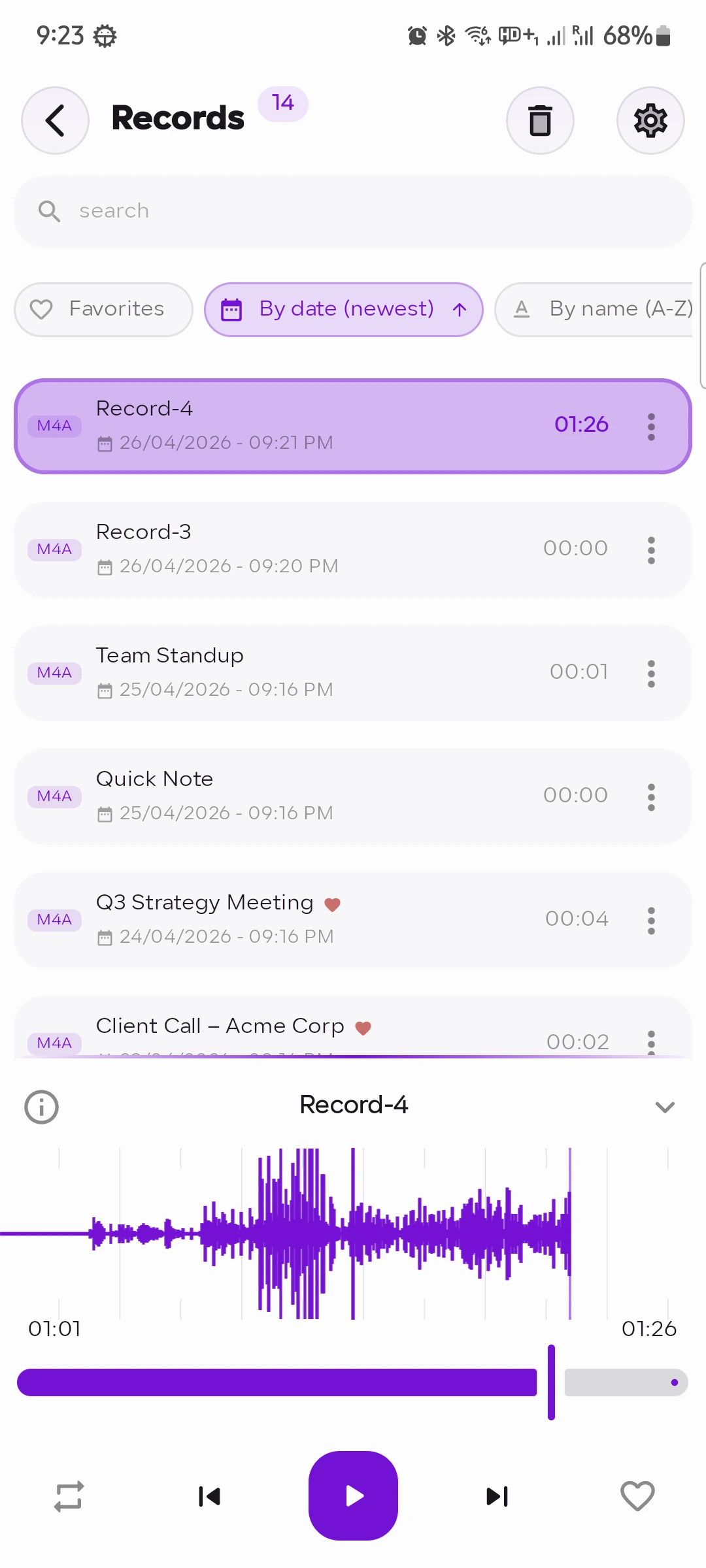
Smooth playback with an interactive waveform scrubber. Rename, share, open with other apps, or export to Downloads.
Search & Sort
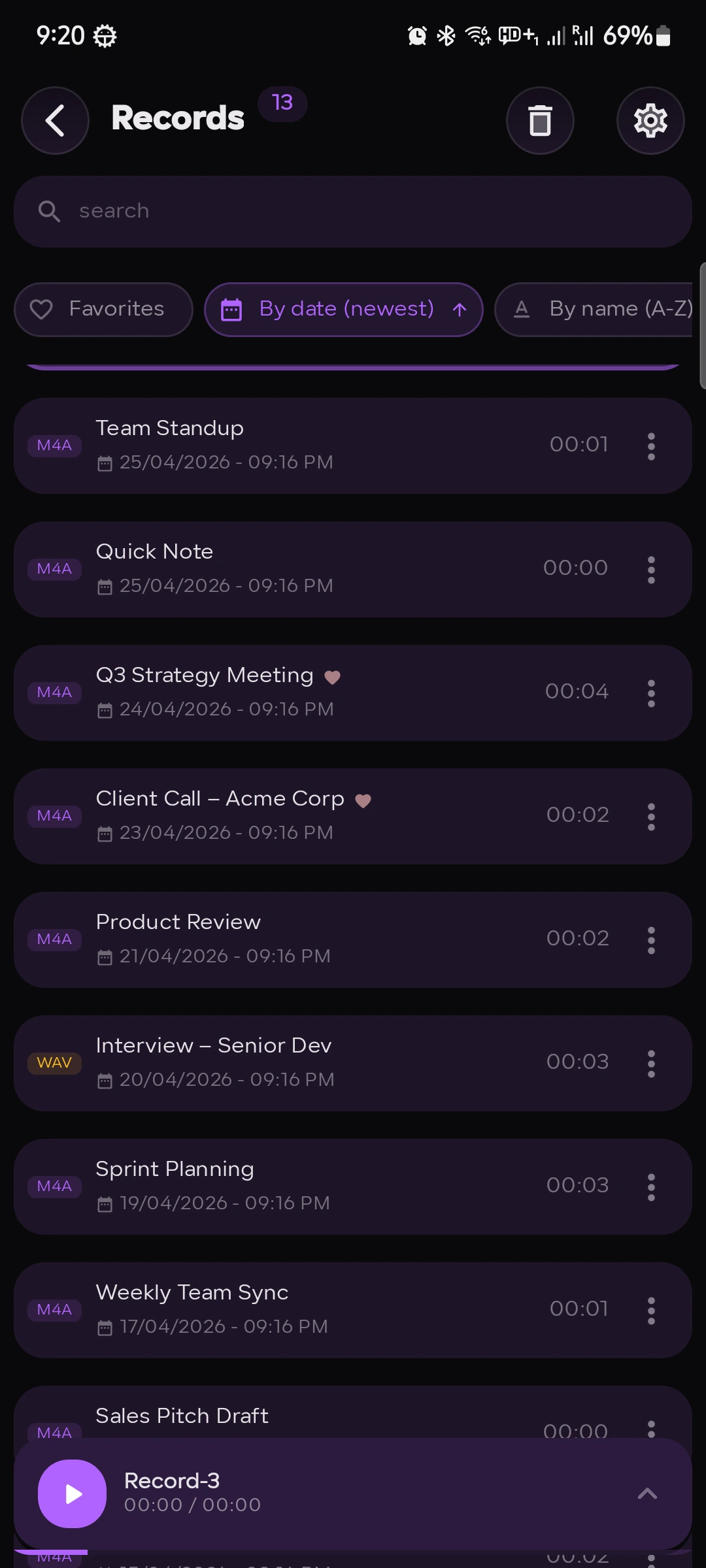
Find recordings fast with search. Sort by date, name, or duration — ascending or descending.
Customizable Naming
Sequential names, timestamps, or date formats (World, US, Japan, Month) — file naming that works for you.
Privacy First
Audio never leaves your device. No cloud uploads, no accounts required.
Fully Customizable UI
Make it yours — choose your accent color, switch between Light, Dark, or System theme, and enable dynamic colors to match your wallpaper.
App Screenshots
See it in action
A clean, focused interface built for everyday recording.
Home Screen
Recording
Waveform Player
Recordings List
Settings
Trash & Recovery
Social Proof
Loved by users
★★★★★
"Best recorder on Android, hands down. The waveform visualizer is gorgeous and it just works. No bloat, no sign-up, no nonsense."
A
Alex M.
Google Play Review
★★★★★
"I use this to record interviews for my podcast. The background recording with notification controls is a lifesaver. Highly recommend."
S
Sara K.
Google Play Review
★★★★★
"Finally an app that records in M4A without charging me for it upfront. Clean dark UI, great audio quality. The trash recovery saved me once already!"
J
James R.
Google Play Review
FAQ
Common questions
Is my data stored online?
No. All recordings stay on your device. Audio never leaves your phone — there are no cloud uploads, no servers, and no accounts required.
What audio formats are supported?
Recorder supports M4A (AAC), WAV (lossless), and 3GP formats — with full control over bitrate, sample rate, and channel mode (Mono/Stereo).
Can I record in the background?
Yes. Recording continues uninterrupted in the background with pause, resume, and stop controls in your notification drawer.
What happens when I delete a recording?
Deleted recordings are moved to Trash and can be fully restored within 30 days before they are permanently removed.
What's included in Recorder+?
Recorder+ removes all ads and helps support continued development of the app. It's a simple way to enjoy a cleaner experience while keeping Recorder growing.