Available on Android

Your Notes, Beautifully Organized

A fast, private notepad for quick memos, checklists, sketches and journaling โ€” built from simple blocks you can arrange any way you like.

Text Checklist Image Drawing Divider
โœ“ Buy milk
Idea ๐Ÿ’ก
Notes App Screenshot

Everything a notepad should be

Simple enough for a quick memo, powerful enough for a daily journal

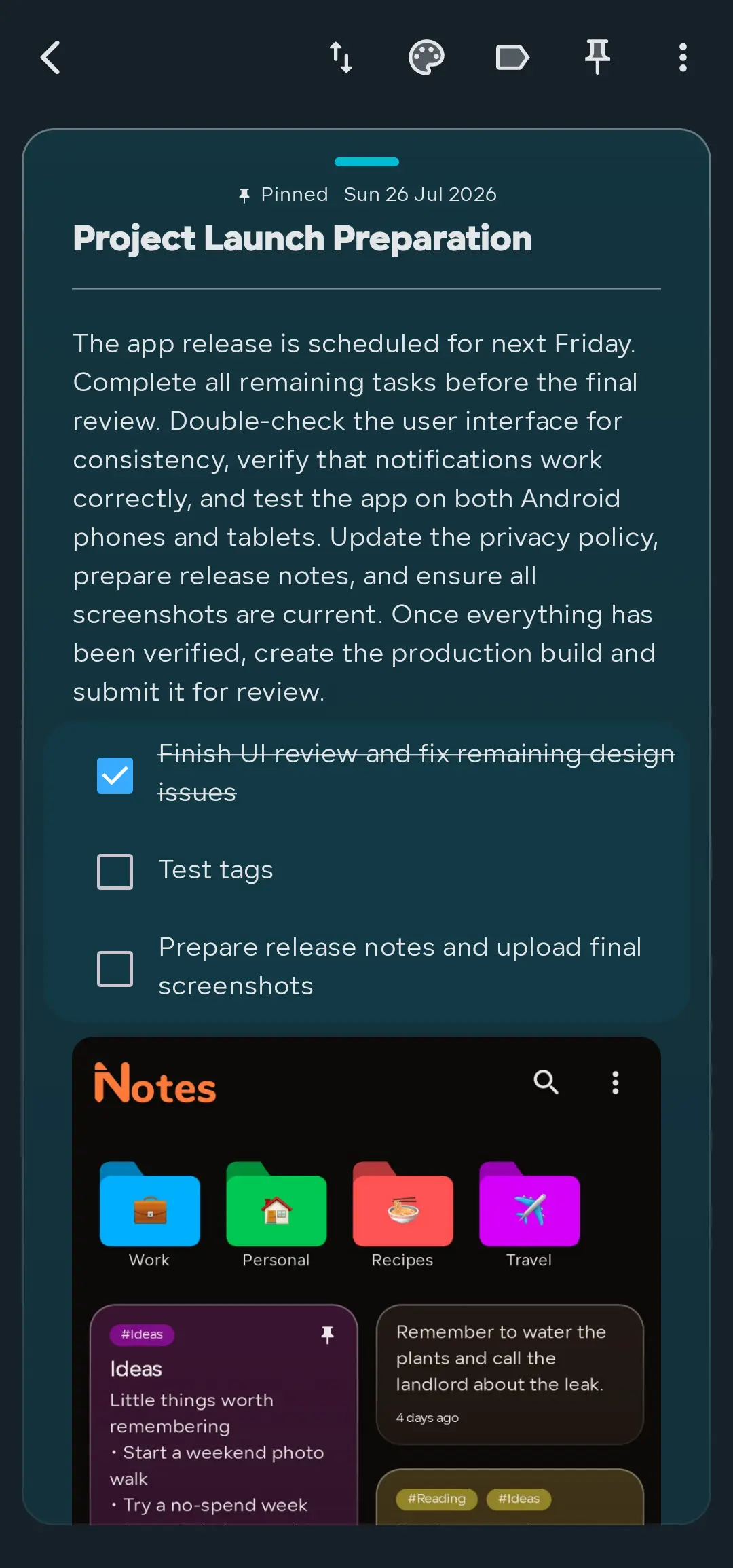
Block-Based Notes

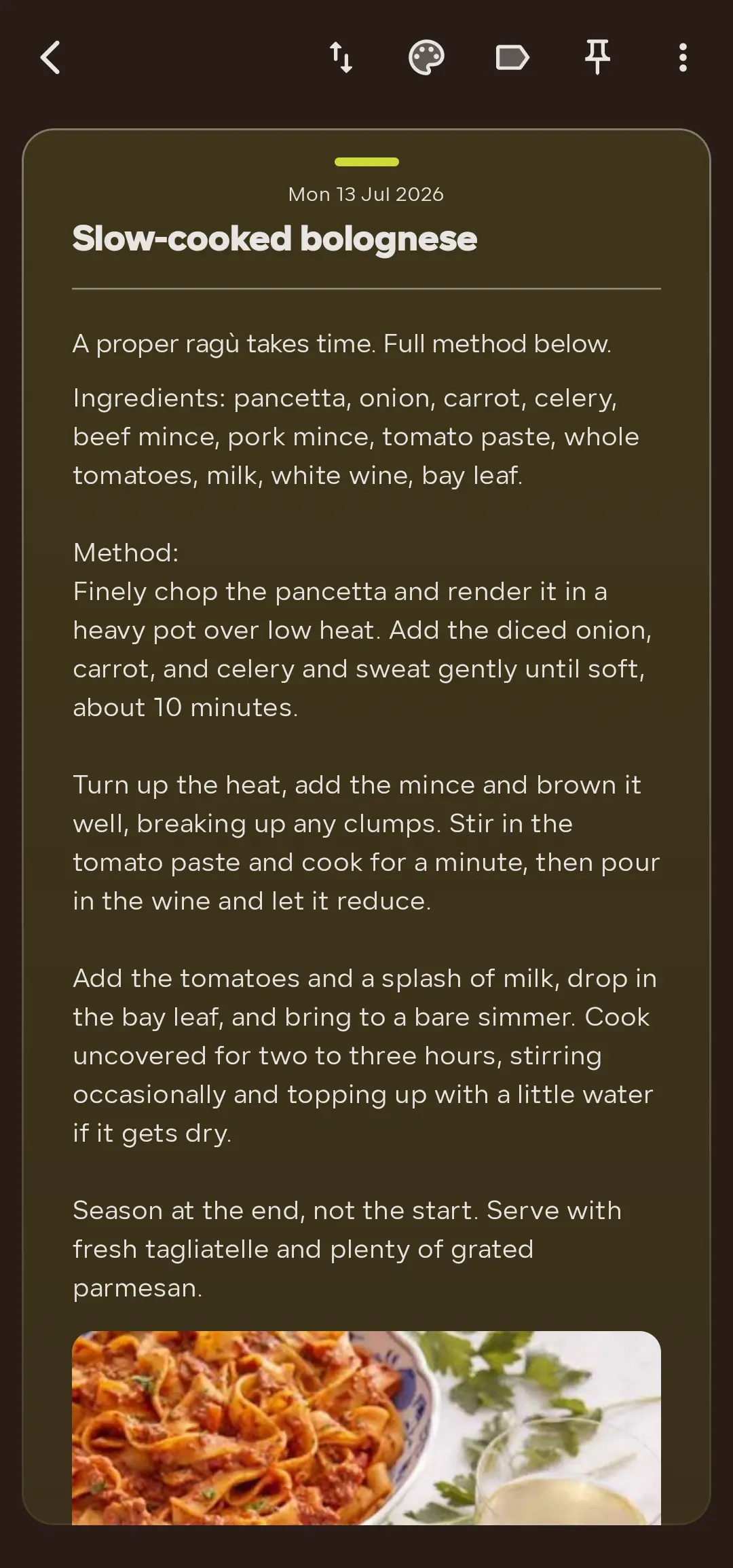
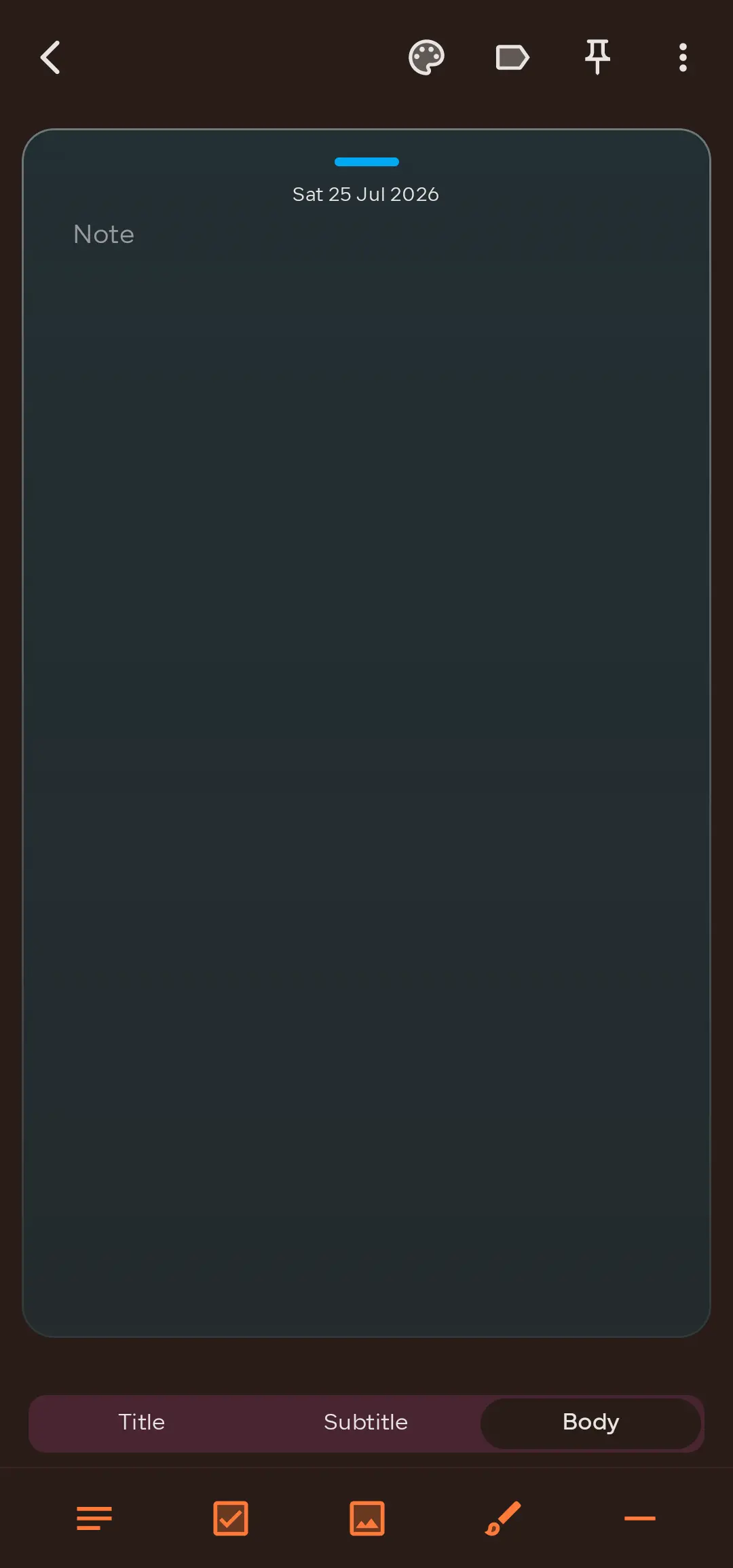
Mix text, checklists, images, drawings and dividers in one note, and reorder any block with a tap.

Checklists & To-Dos

Turn any note into a shopping or to-do list, and tick items off right from the reading view.

Draw & Sketch

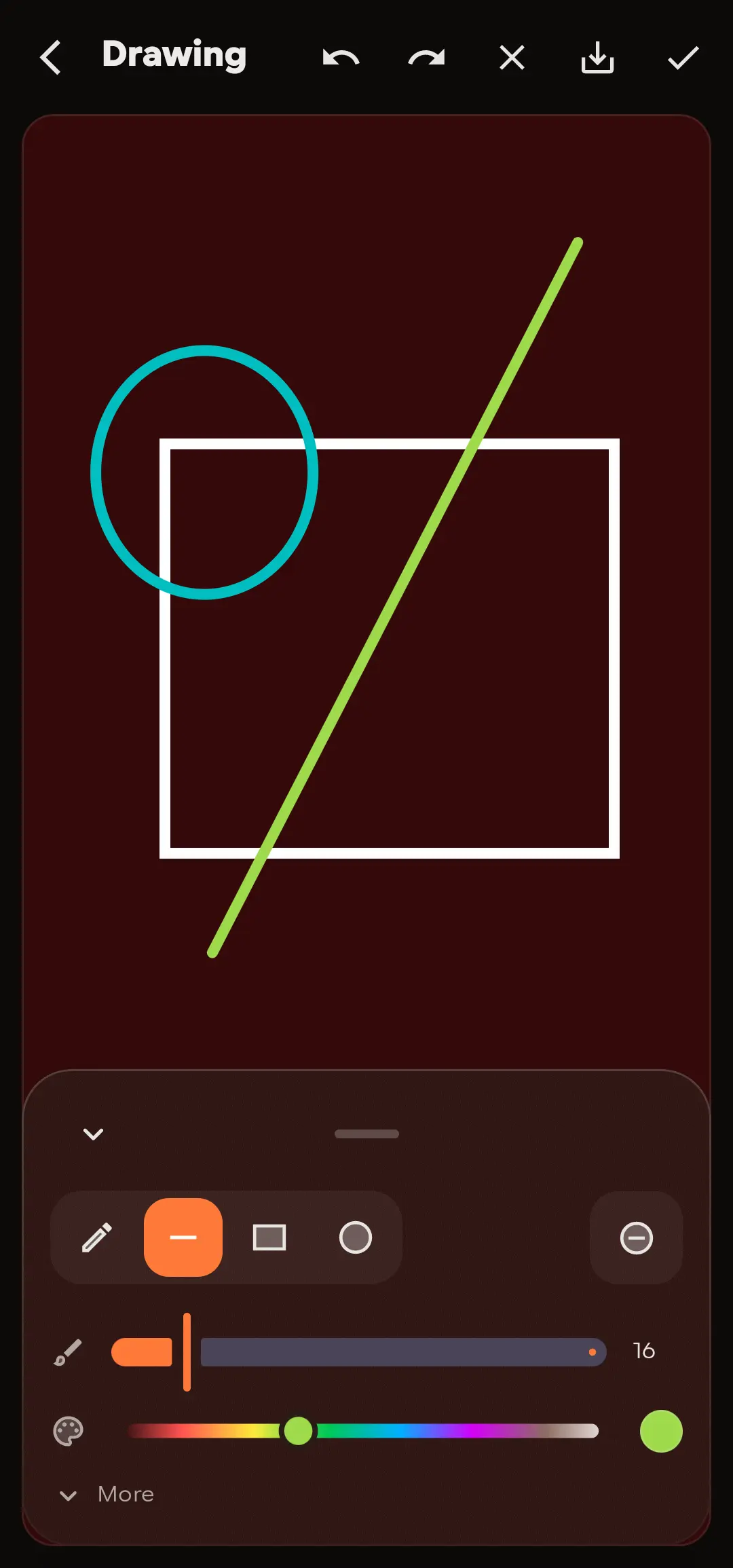
Freehand drawing with pen, line, rectangle and ellipse tools, plus adjustable brush size and colors.

Photos & Images

Add photos from your camera or gallery, tap to view full screen, and pinch to zoom.

Folders & Tags

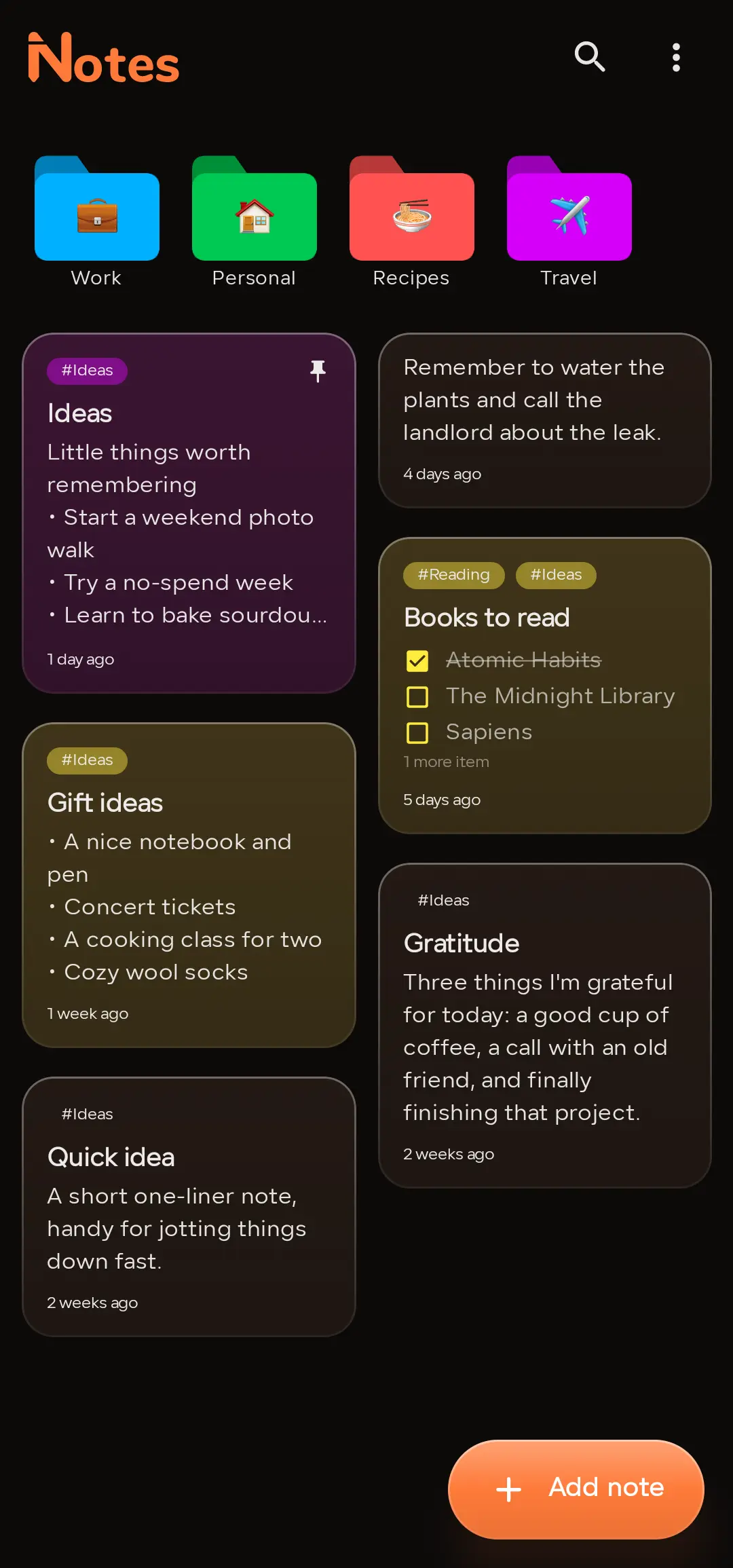
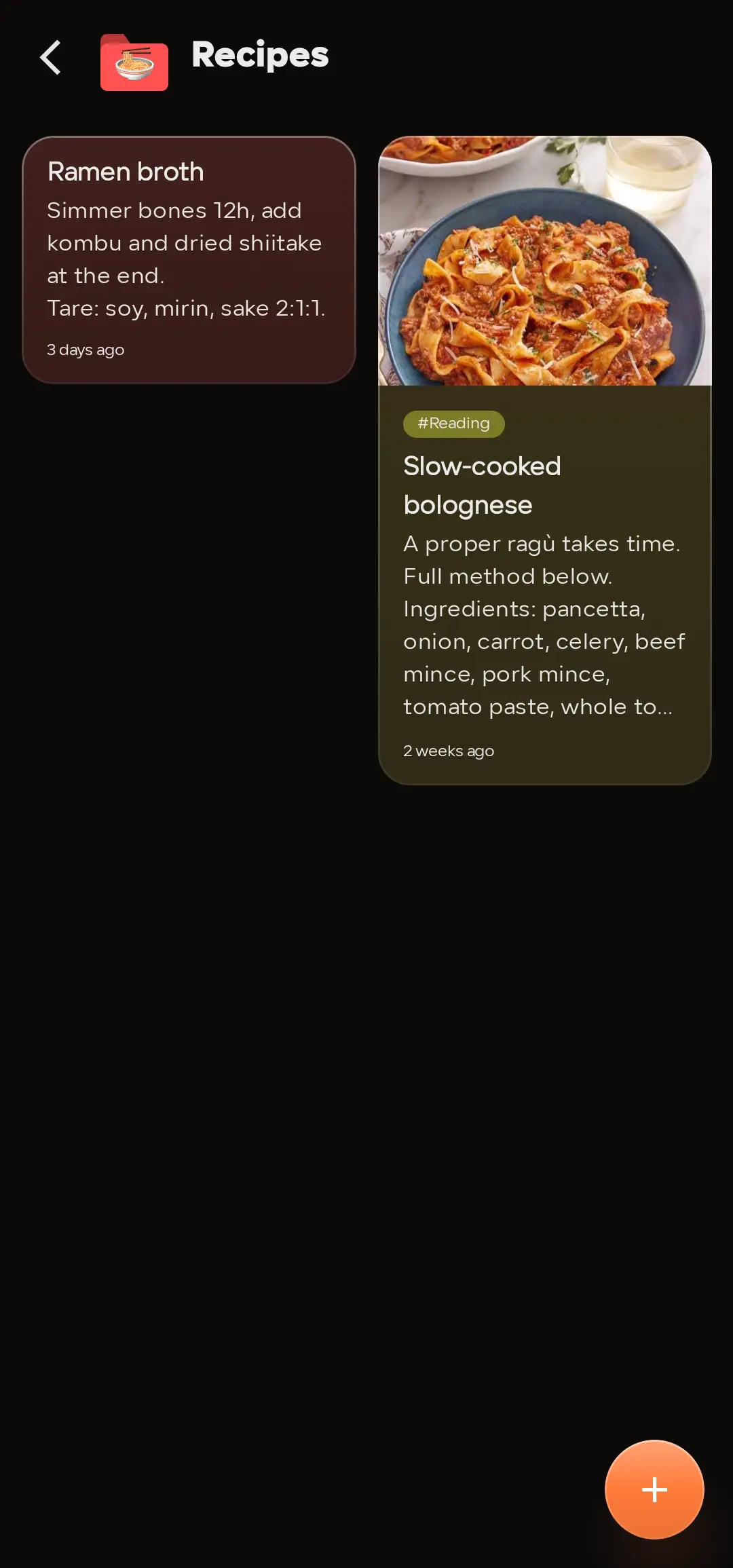
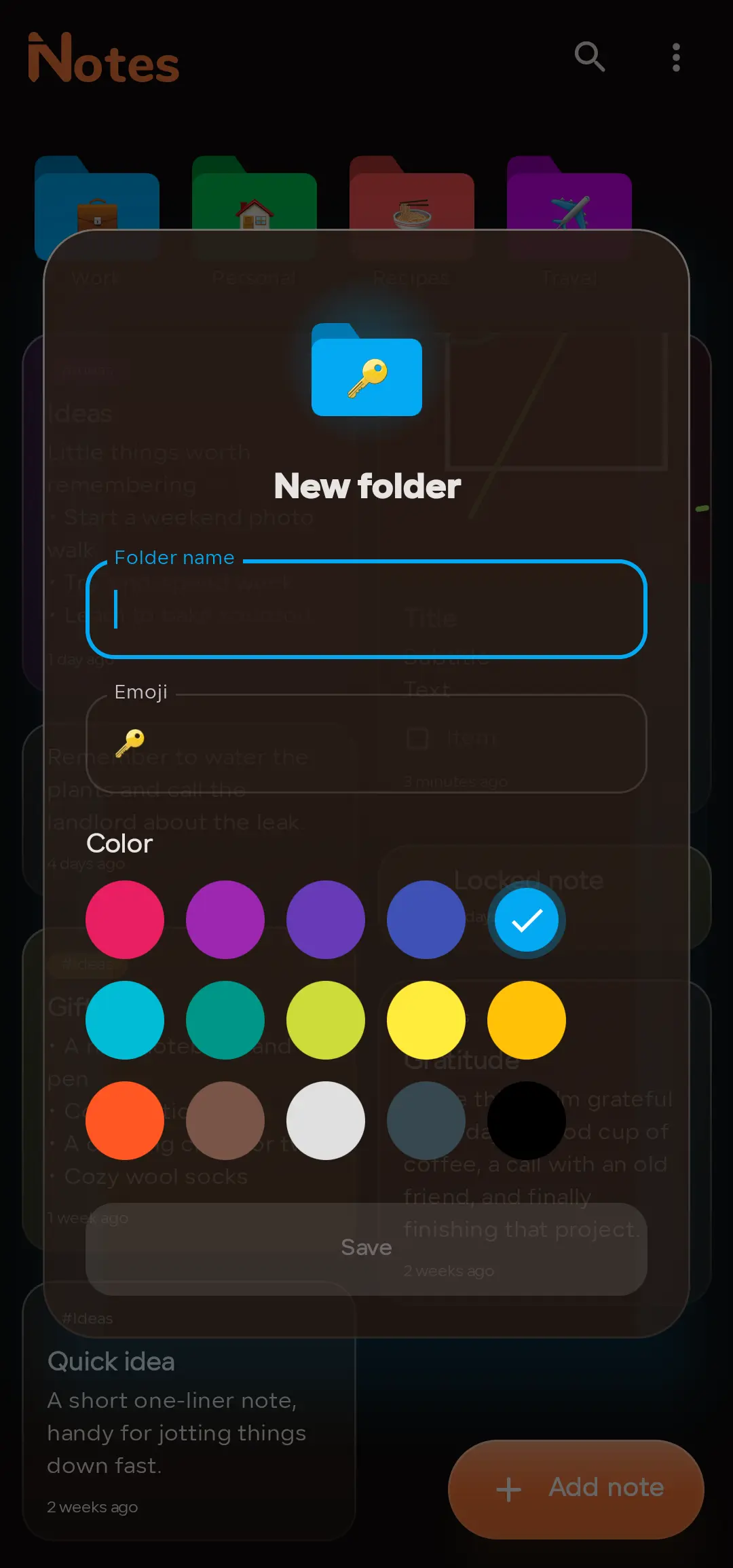
Group notes into folders with your own emoji and color, and tag related notes for instant search.

Pin, Archive & Trash

Pin what matters to the top, archive notes you want hidden but kept, and recover deleted notes from Trash.

Light & Dark Themes

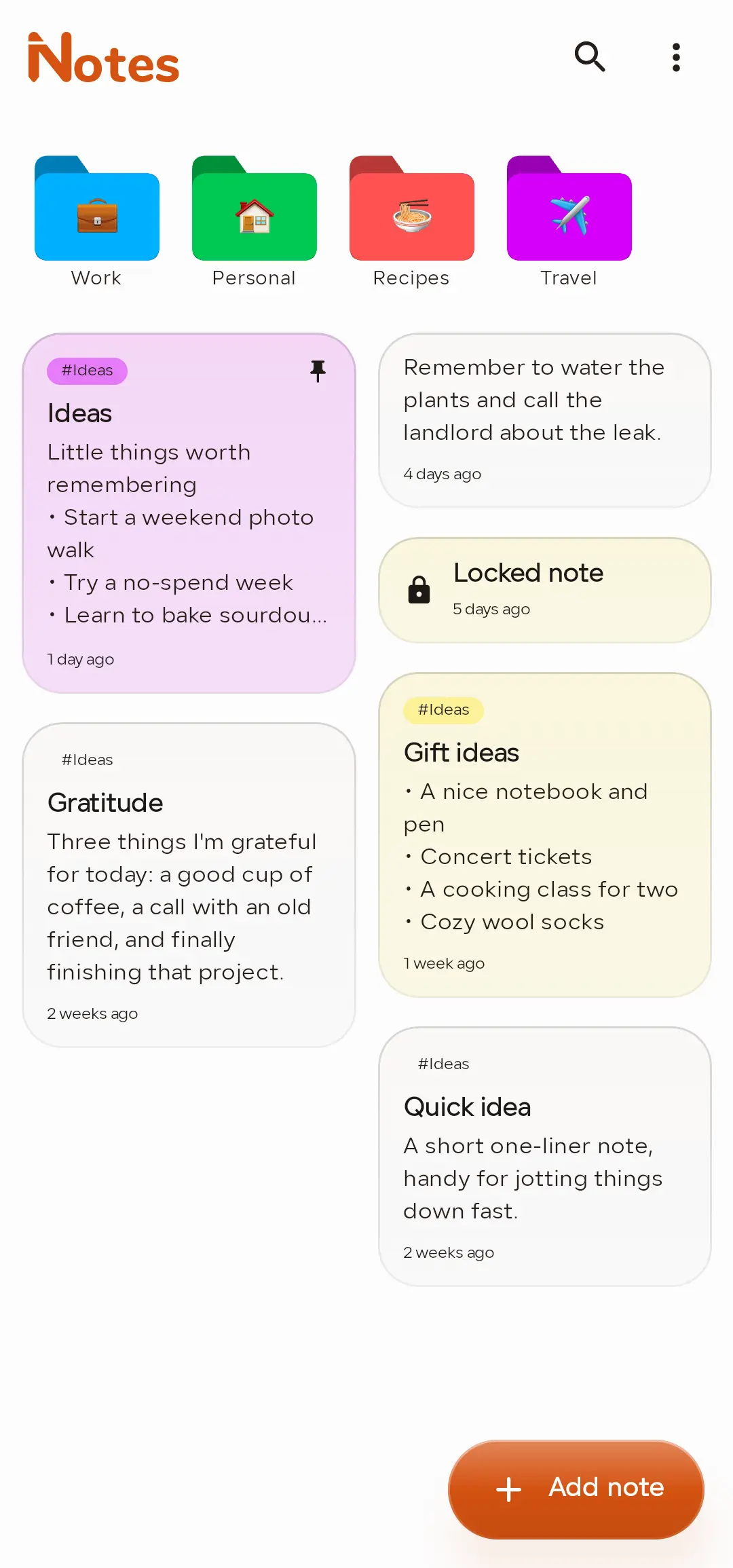
A clean, modern glass design that adapts to light or dark, with colors to set each note apart.

Private by Default

Lock the whole app, a single note, or an entire folder with fingerprint, face, or your device PIN.

Backup & Restore

Back up your notes and restore them anytime โ€” everything stays on your device by default.

One note, built from blocks

Stack any of these inside a single note, in any order you like

Text
Checklist
Image
Drawing
Divider
tap to reorder ยท one note, no limits

See it in action

A clean, focused interface for everything you write

Screenshot 1
Screenshot 2
Screenshot 3
Screenshot 4
Screenshot 5
Screenshot 6
Screenshot 7
Screenshot 8
NOTES PRO

Unlock the full experience

A one-time purchase or subscription removes ads and adds power-user features.

  • Remove all ads
  • Unlimited folders
  • App, note & folder locks
  • More features on the way
Pro is available inside the app on Google Play.

Common questions

Everything you might want to know before downloading

Are my notes stored online?
No. Your notes stay on your device by default. Backup and restore are available whenever you want them, but nothing is uploaded automatically.
Can I lock individual notes or folders?
Yes. You can lock the entire app, a single note, or a whole folder, and unlock with fingerprint, face, or your device PIN. Locked notes stay out of search.
What can I add inside a note?
Notes are built from blocks โ€” text, checklists, images, freehand drawings and dividers โ€” mixed together in any order.
What happens when I delete a note?
Deleted notes move to Trash first, so nothing is lost by accident. You can archive notes you want hidden but kept without deleting them.
Is Notes coming to iOS?
Not yet โ€” Notes is currently available on Android, with iOS planned for a future release.

Download Notes Today

Your everyday notepad, checklist maker, sketchpad and journal โ€” free to start on Android.

5
Block Types
FREE
To Start
3+
Content Rating
Scan for Android